
Item Configuration
You can configure the behaviour of the item detail pages. This is primarily for Image-based content as Videos tend to play fullscreen only.
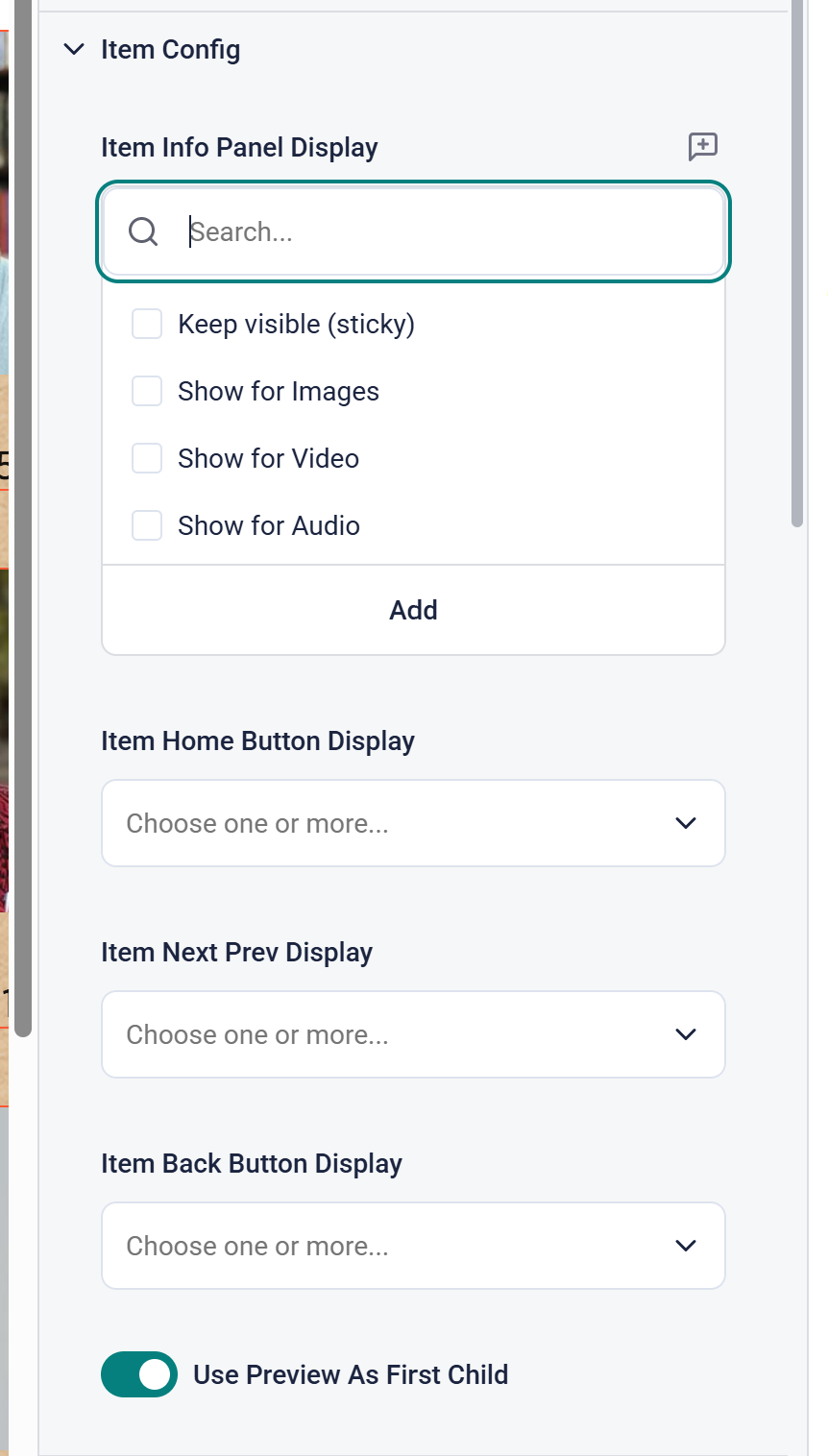
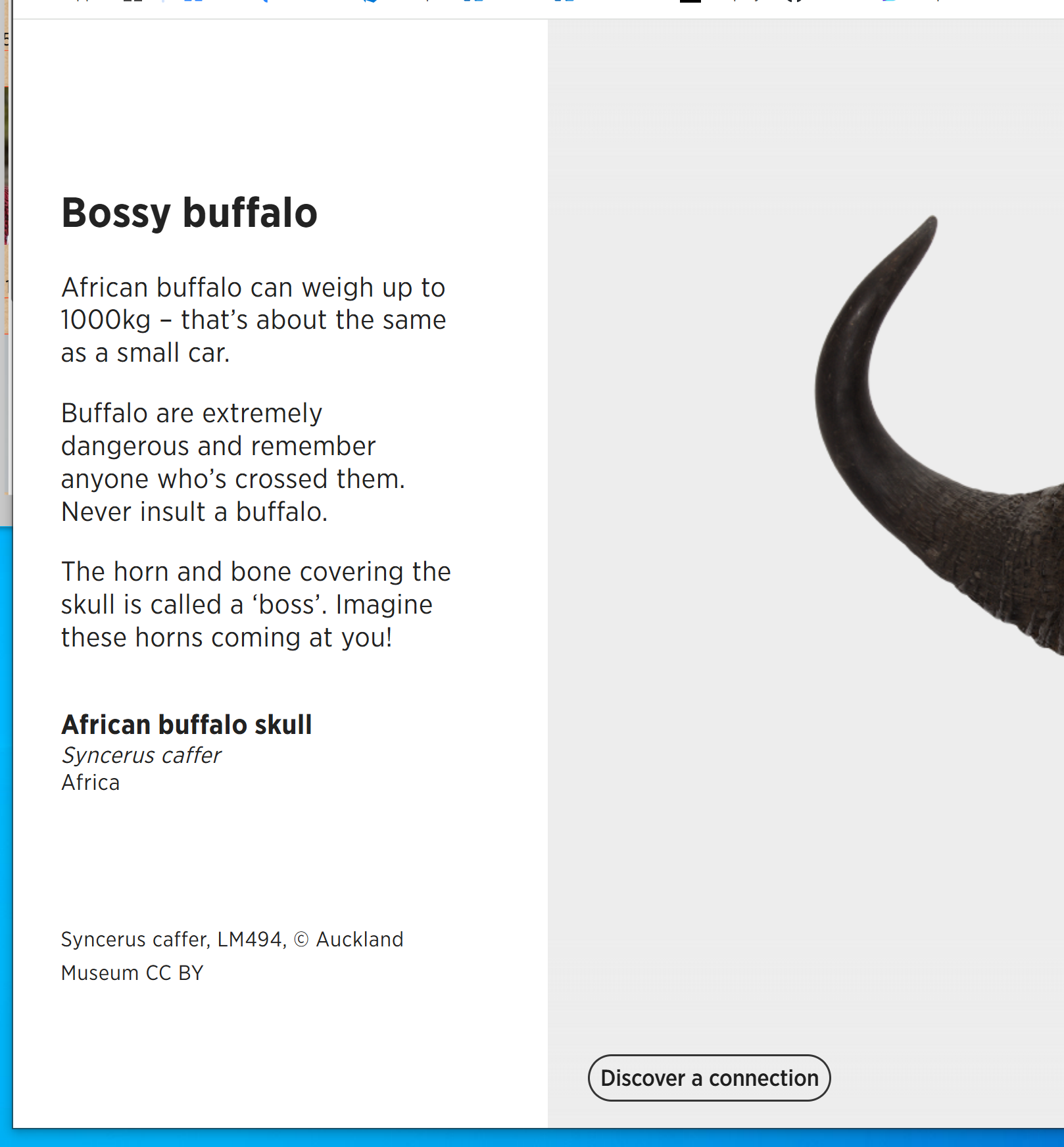
Each Item can have an Info Panel displaying the details of that Item.
The default behaviour is the info panel only shows for the first item, if there are several images. If you also select Keep Visible (sticky) then the panel will stay for all images. Each image can then have its own information displayed.
Item Home Button Display is used for Images to navigate back to the grid/gallery page.
Item Next Prev Display is used for Images to navigate between items if Pagination is enabled and there is only one image per item
 Item Back Button Display may be used for Images but typically isn't.
Use Preview As First Child will add the preview image information as the first item any item slides. This is only of use where you have multiple child items to display.