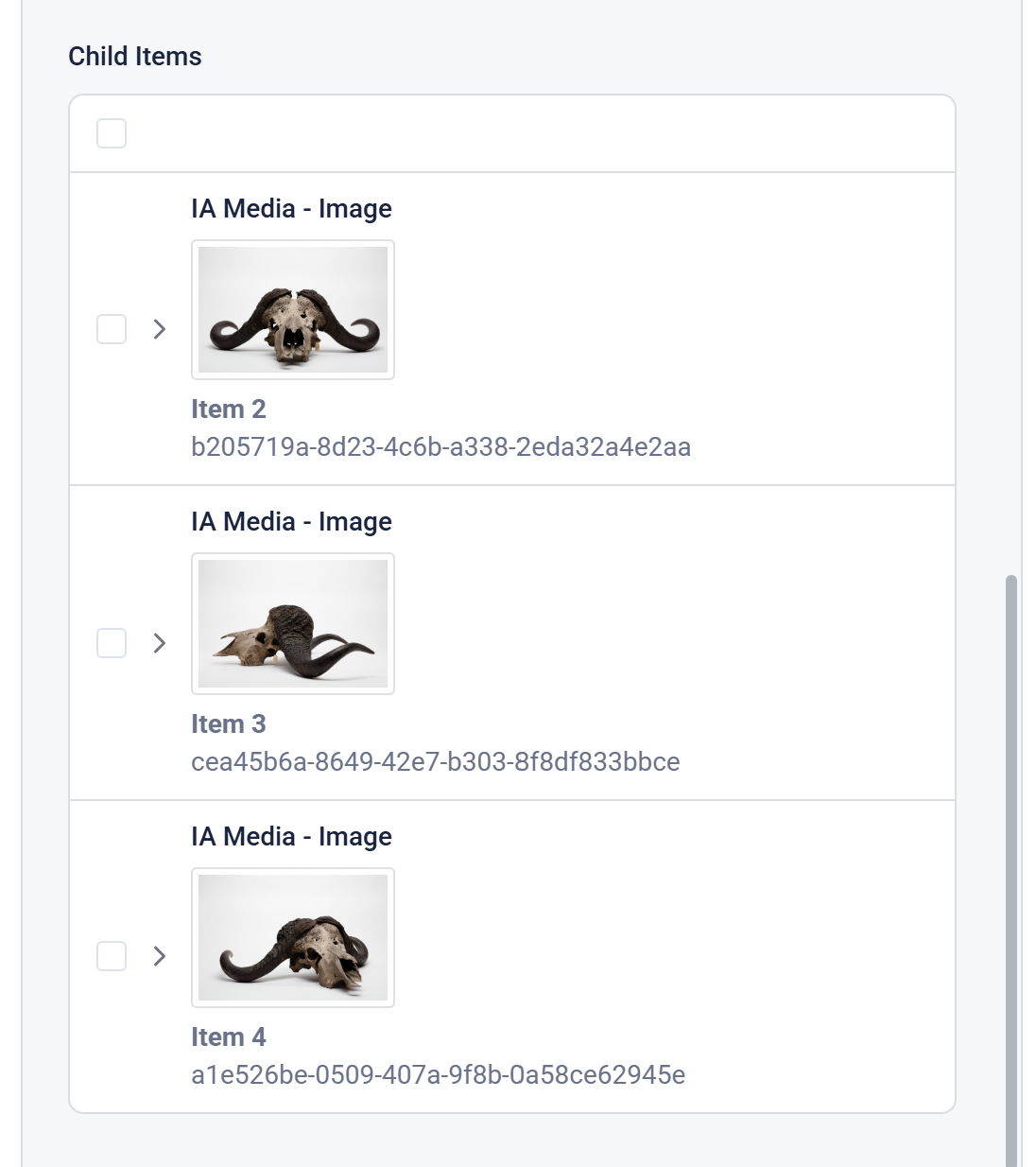
Adding Child Items
Each Image item displayed in the grid can have a single set of child items which act as a slideshow.
These can only be images and there can only be one level of children per item (although the interface allows for more)
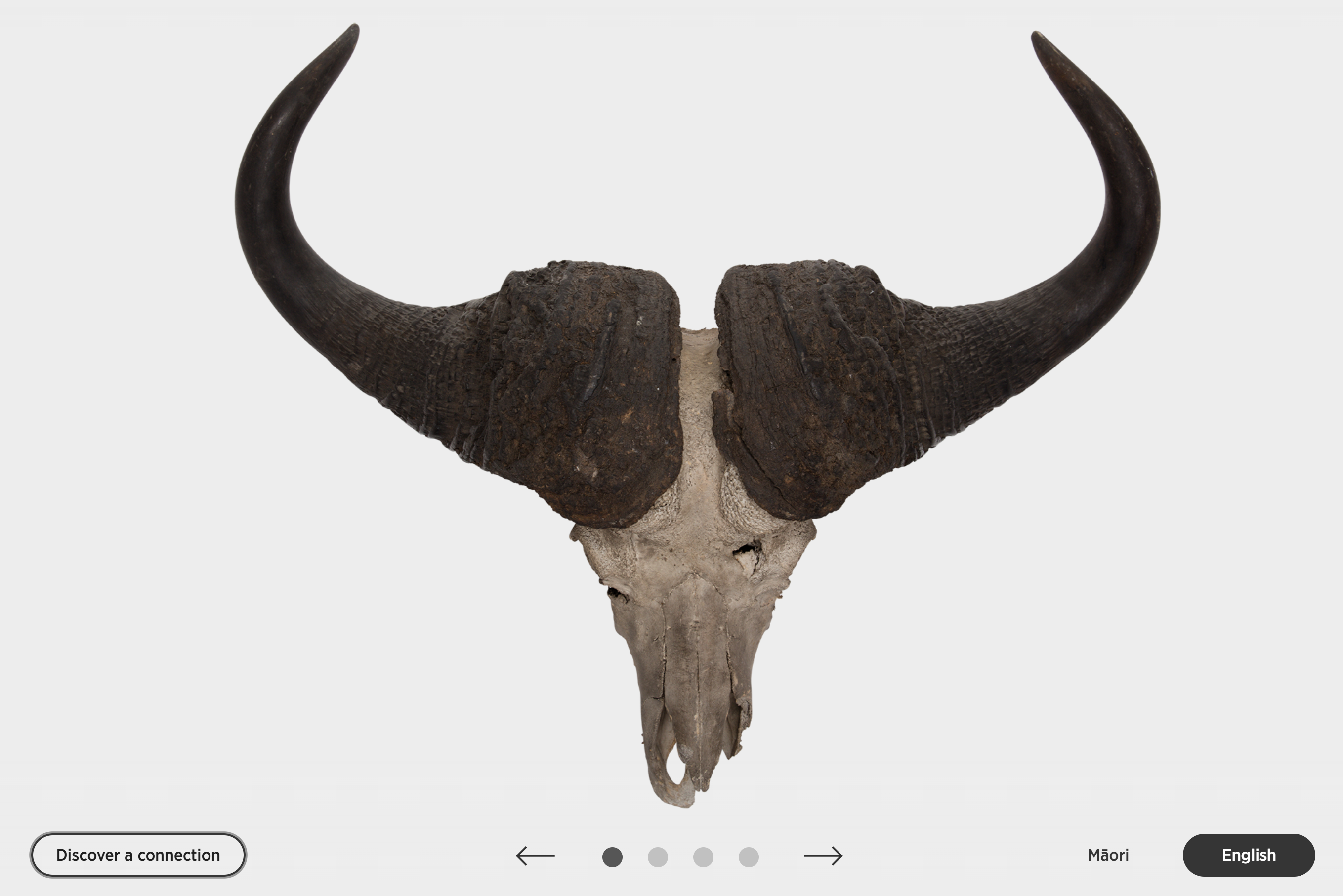
They show up on the item detail page as dots along the bottom of the first image and are show in the order you have them in the site tree.
The user can swipe or click between these items and they are generally different views of the gallery item.
Items can have their own Info Panel information, but typically this is left blank for the child items.