Attractor Configuration
You can optionally have an attractor screen that shows before the artefact selection screen.
This is typically a video or static image with a call to action button.
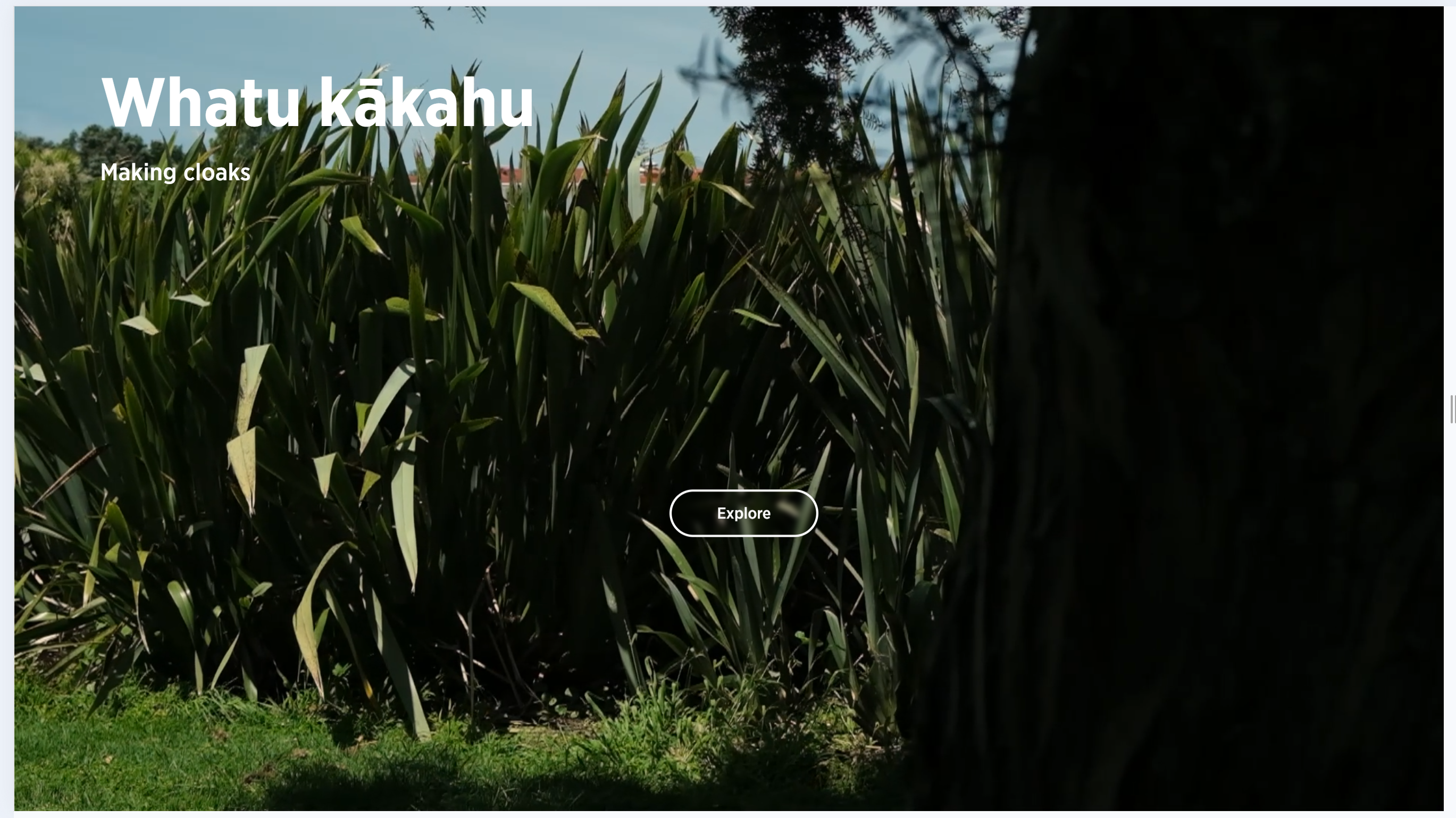 The default is to not have an attractor.
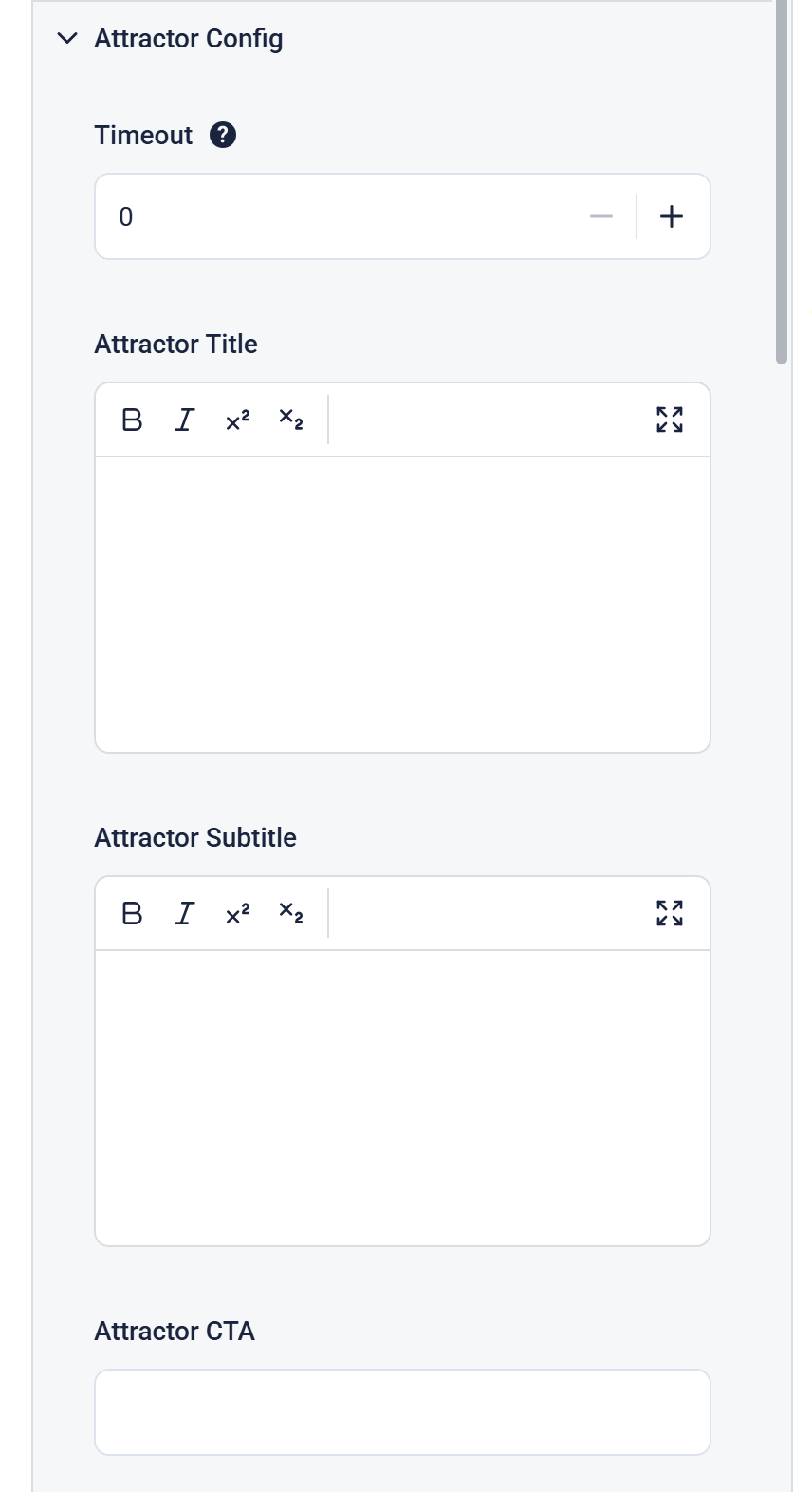
Setting Timeout to a non-zero number will enable the attractor screen. This is the number of seconds of inactivity to go back to the attractor screen. Typically it's 60 seconds when set.
Attractor Title and Attractor Subtitle allow for text on the attractor screen. Default is upper left corner, black text. This can be changed with the Override CSS in the Global Config panel and the Attractor Text Colour picker further down in this panel.
Attractor Title has a limit of 20 characters including spaces.
Attractor Subtitle has a limit of 60 characters including spaces.
You can use basic formatting here.
Attractor CTA is not a formatted text field.
Attractor CTA has a limit of 20 characters including spaces.
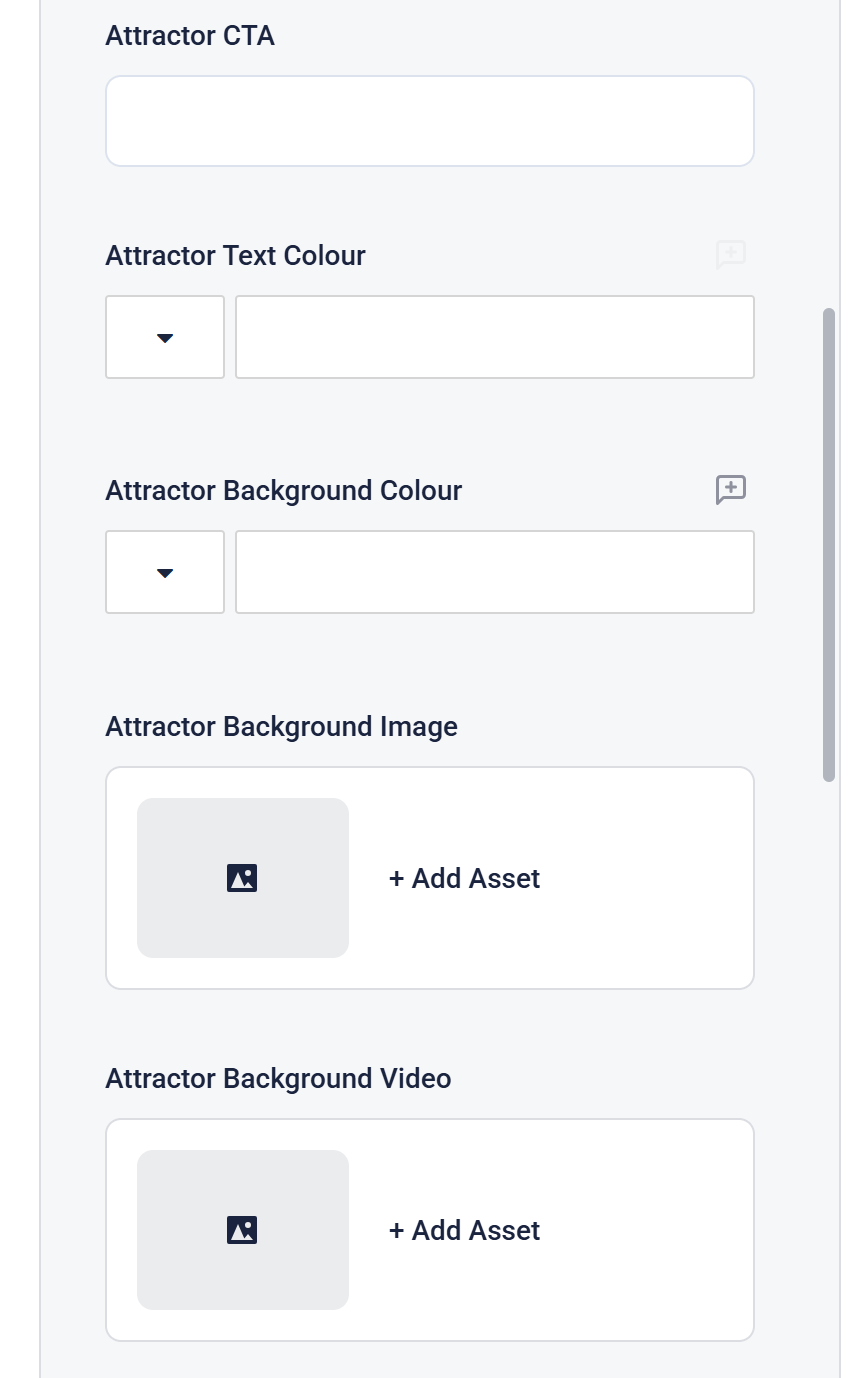
Background Image or Background Video can be uploaded and selected from the Asset Library.
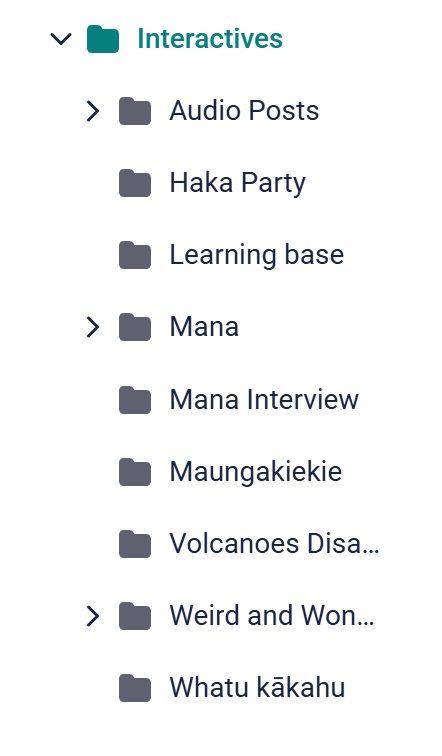
By default the asset picker opens in the Interactives folder of the Asset Library.
Each Interactive must have it's own sub-folder to organise assets.