Getting started
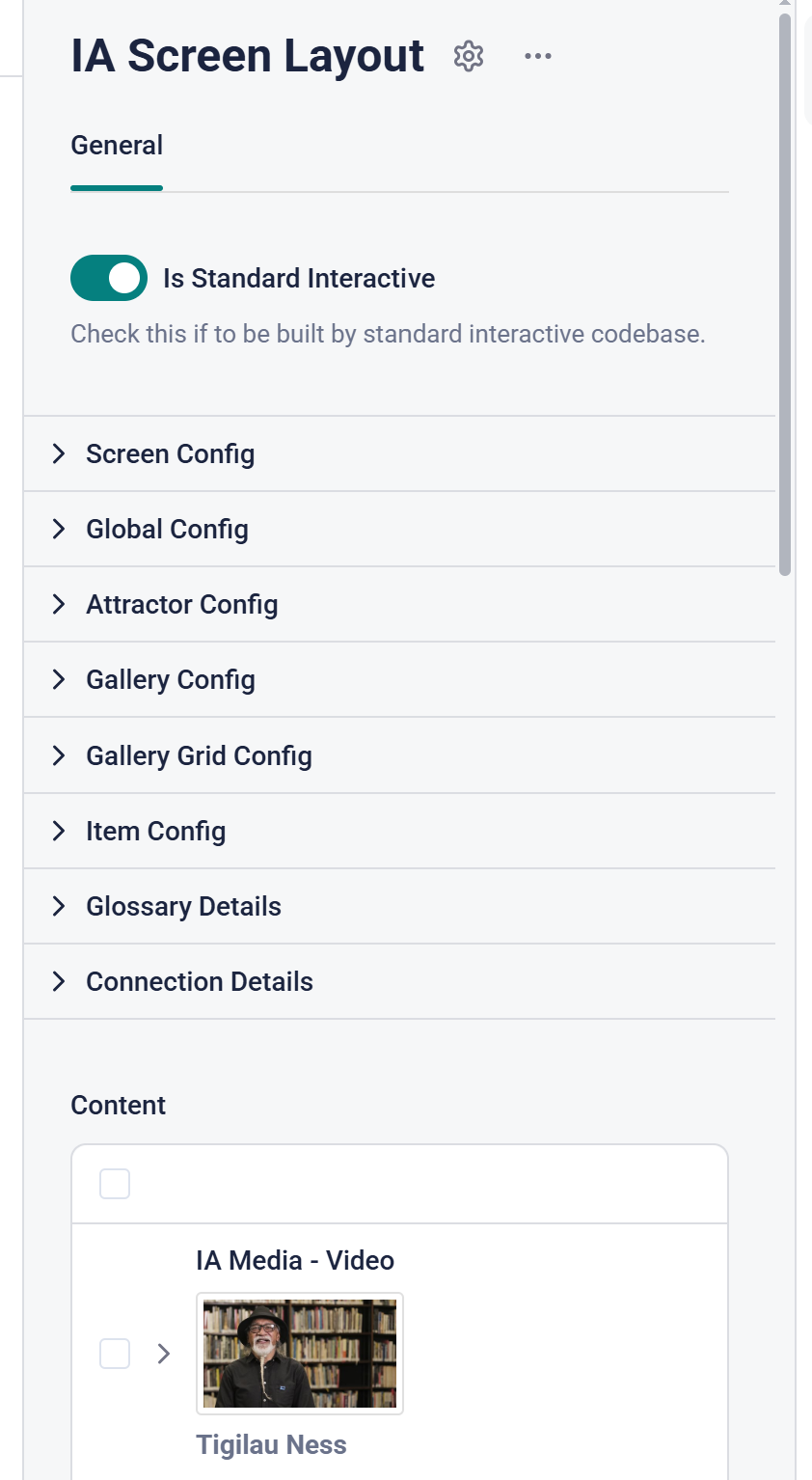
Interactives are based around a page (Story) type called "IA Screen Layout" in Storyblok.
In order to make a new Interactive or edit an existing one you'll need to have a Storyblok login and be assigned the role of Interactive Editor.
General help with Storyblok can be found here:
https://www.storyblok.com/docs/editor-guides
You'll then be able to see the Interactives folder in the Default Storyblok space.
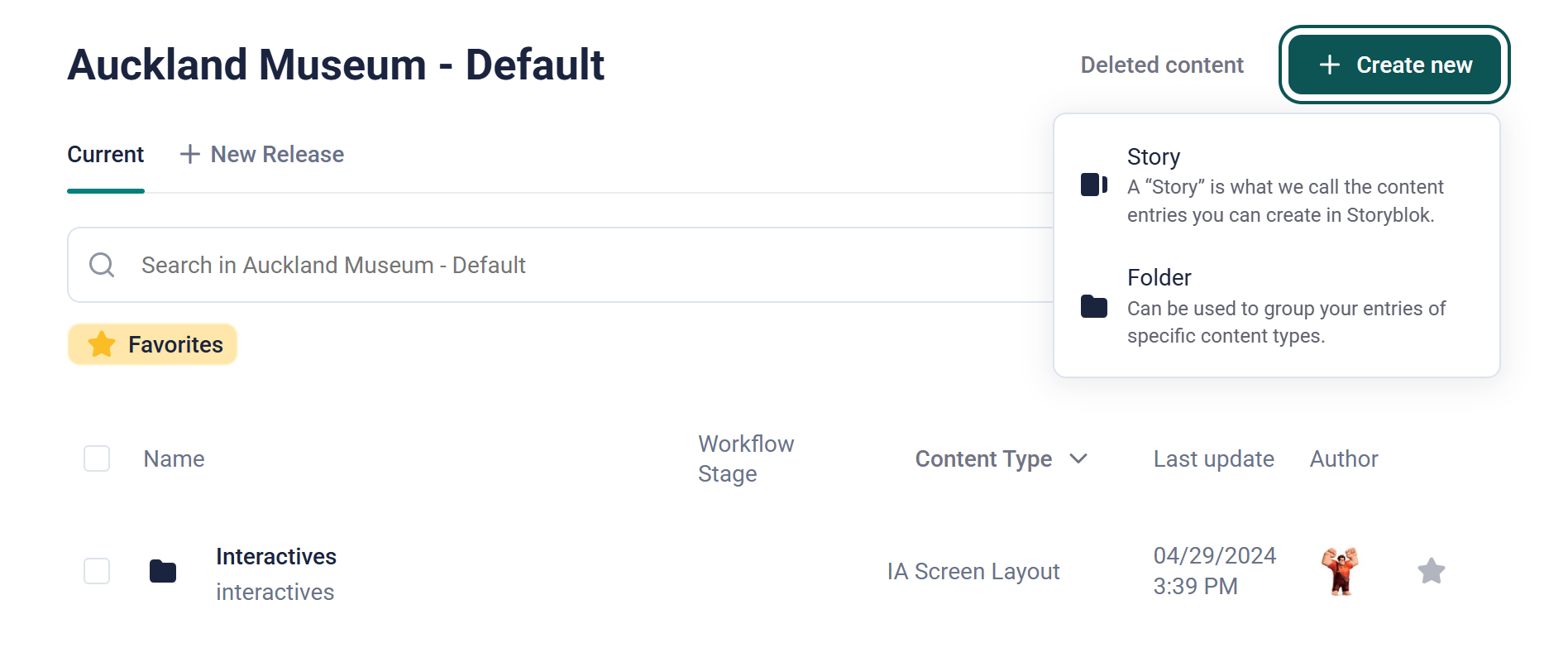
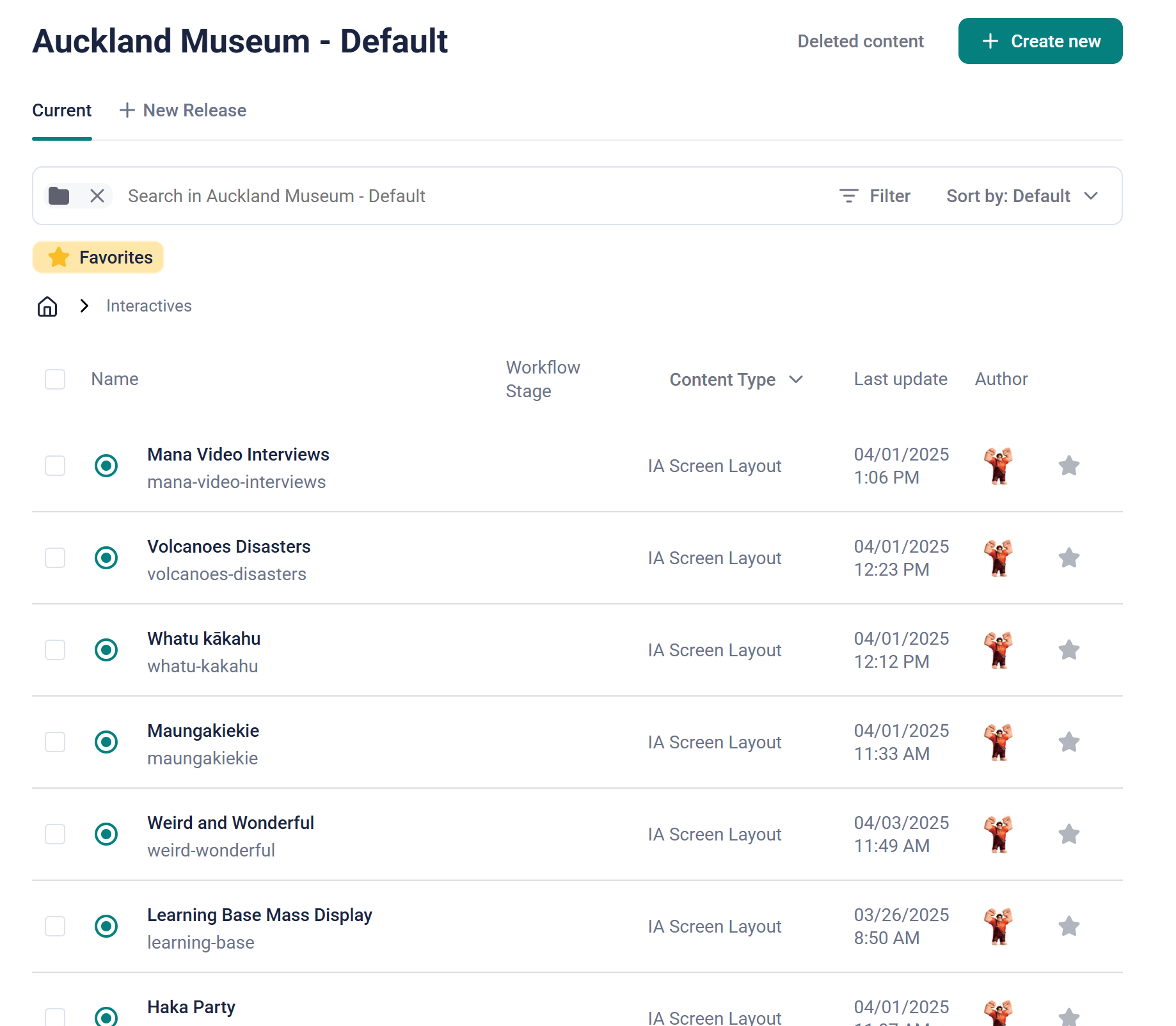
Open the Interactives folder by double-clicking and you'll see existing interactives. This is where you'll created a new one.
Typically, all interactives live in the top level of the Interactives folder.
To create a new Interactive, click on the Create New button and select Story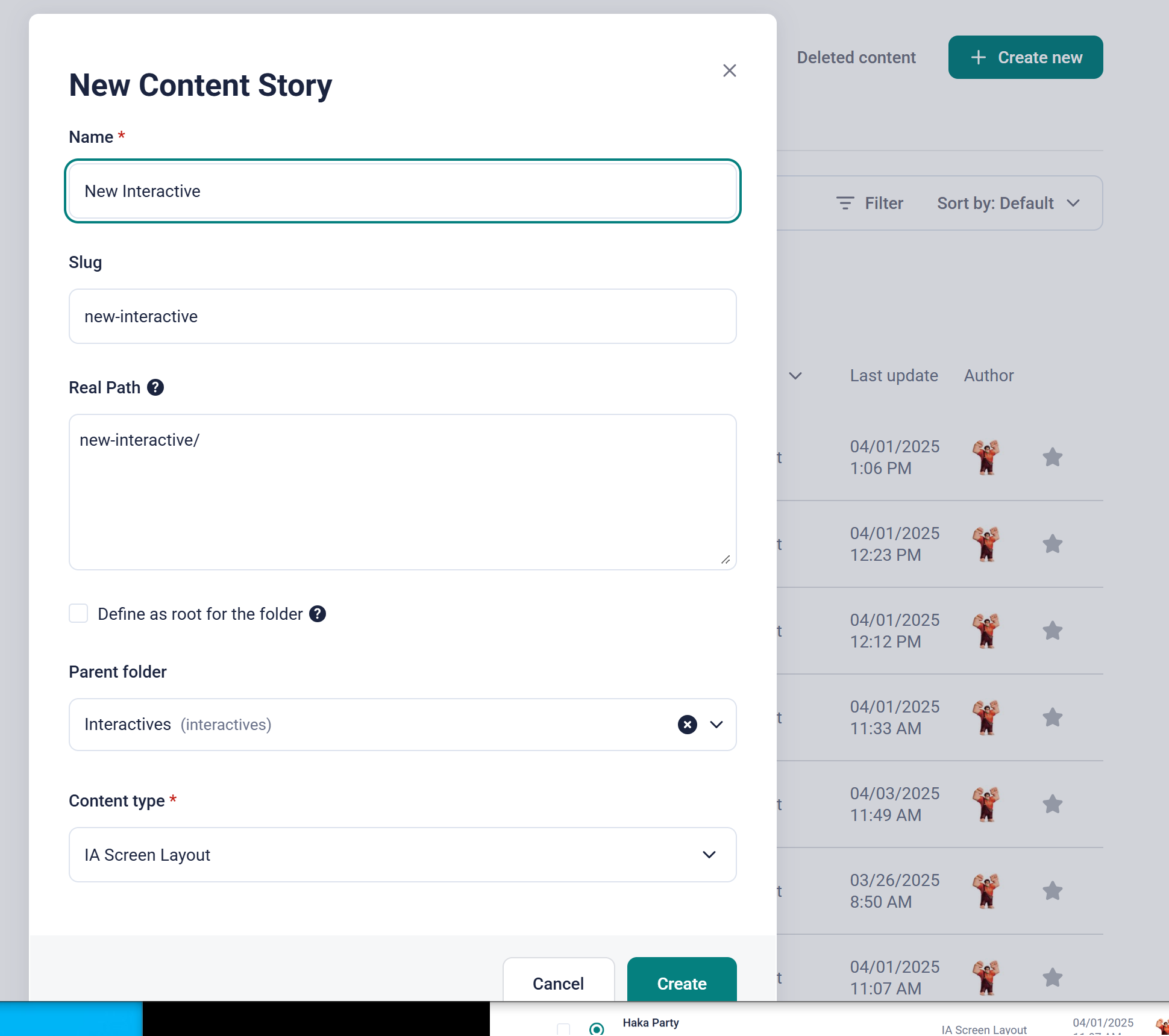
The Name is how it will appear in Storyblok listings and is not related to anything on-screen. It does provide a basis for the Slug and Real Path fields. These fields form the URL that the interactive is found at under https://ia-prod.aucklandmuseum.com/<real path>.
Typically accept all the field values presented and click on Create.
You'll then be taken to you new Interactive Story and presented with a set of configuration panels. The first option is a toggle to indicate this is a Standard Interactive. Leave this on True.
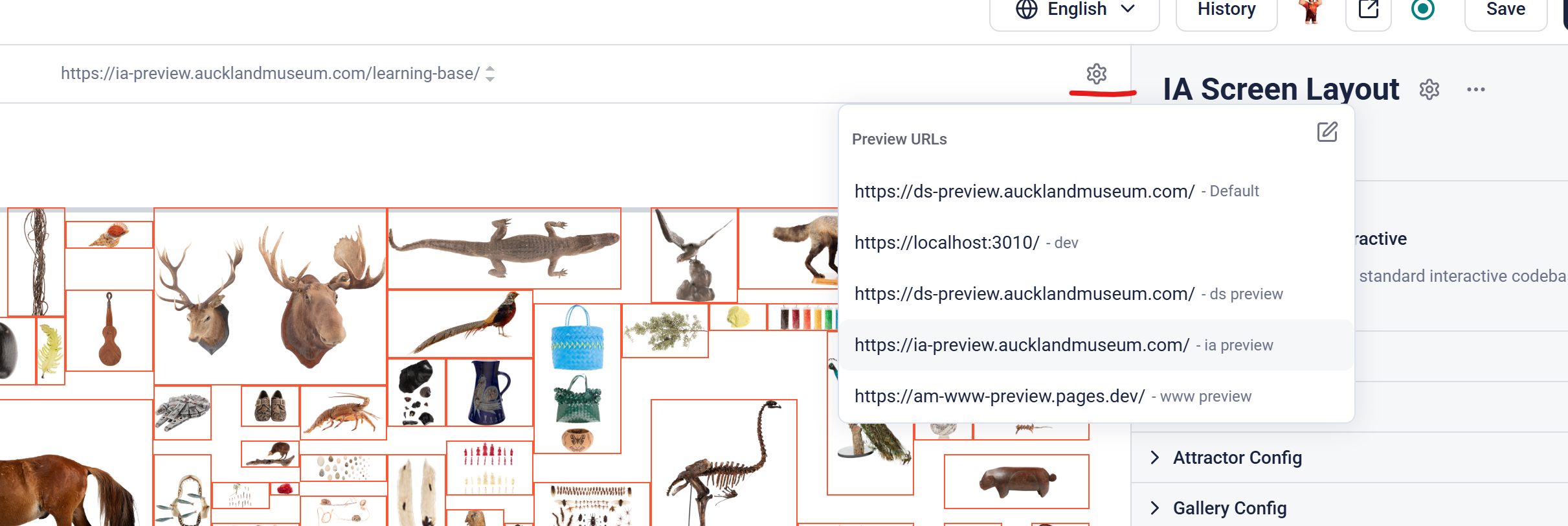
In order to aww the correct content preview, ensure you have the ia-preview environment selected